Identification of the best UX/UI prototyping tools are discussed on which ever UX forum you go to. When we are asked, we come up with the same response. It depends.
Your prototyping tool of choice will need to take into consideration a number of aspects, such as your needs, the client’s requirements as well as your other stakeholders.
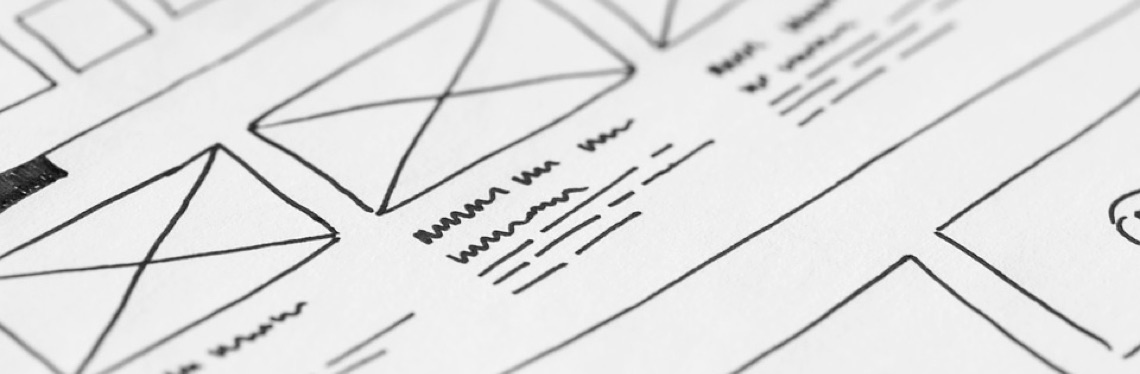
Everybody from CEO to developer will need to answer different questions or may see some of the elements of the project from a different perspective. If you are just trying to explainto the developer, who sits by your side what you need, then a quick paper sketch should be good enough.
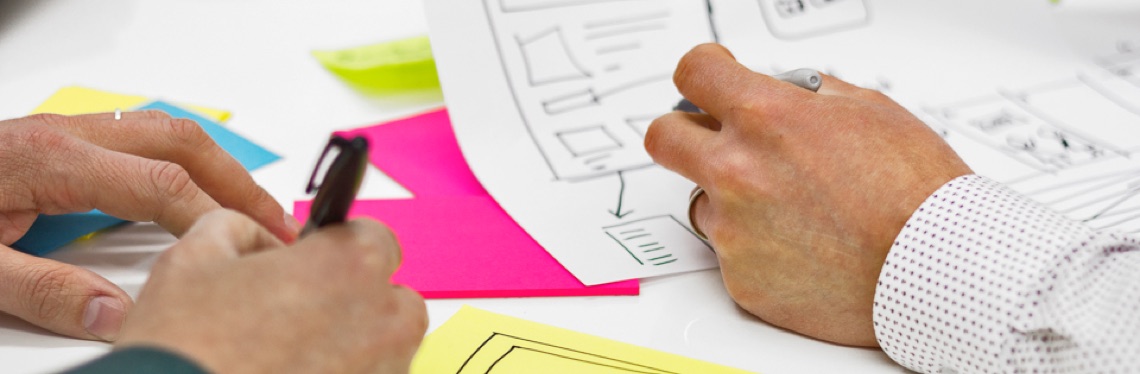
However, if the developers are based in another country or you want to impress stakeholders, then you need a prototype with higher fidelity prototyping tools.
Here at Eldingo we use Axure a lot, because it better suits our needs and enables us to represent a user interface at a high fidelity. It is slightly more complicated, as it allows you to create advanced interactions. The support and community forum are always very helpful and friendly too. With Axure we can create websites and apps that do not look too different from the final version.
If you are still trying to work out your tool of preference, the best way to discover is through experimentation. When the time comes, you will know what is the most suitable for your needs.
Below is a summary of some of the best UX/UI Design Prototyping tools.
Axure RP – If you have a bit more time in your hands and want to impress, that is your choice. It could be a little daunting at the beginning, but the support and forum never fail. You can create prototypes with such a good level of detail that it almost looks like the real thing. It is a little bit pricey, though, compared to the other options.
Balsamiq – If someone that is not a ‘creative’, is far away and cannot express their idea visually, just tell them to go to balsamiq.com. Anyone can use Balsamiq. Good if you are looking for something simple and straight to the point.
Omnigraffle – Great tool to create beautiful task flows and maps for presentations or simply a good-looking Information Architecture (IA) output. The wireframe stencils also make it ridiculously easy for anyone to show their ideas and it is not too expensive.
Paper – Quick and dirty. There are no excuses for not making yourself understood. Sketch everything, you can even test it, and then it is the developer’s problem. It is very cheap, but it could become a mess